
Given the frequent inquiries about the connection between the Lova app and BCX service, this article will answer some of the most commonly asked questions and clarify how these two services are actually connected. We will discuss the basic similarities and differences between these two platforms, as well as their operational methods. So, let's begin.
About Lova
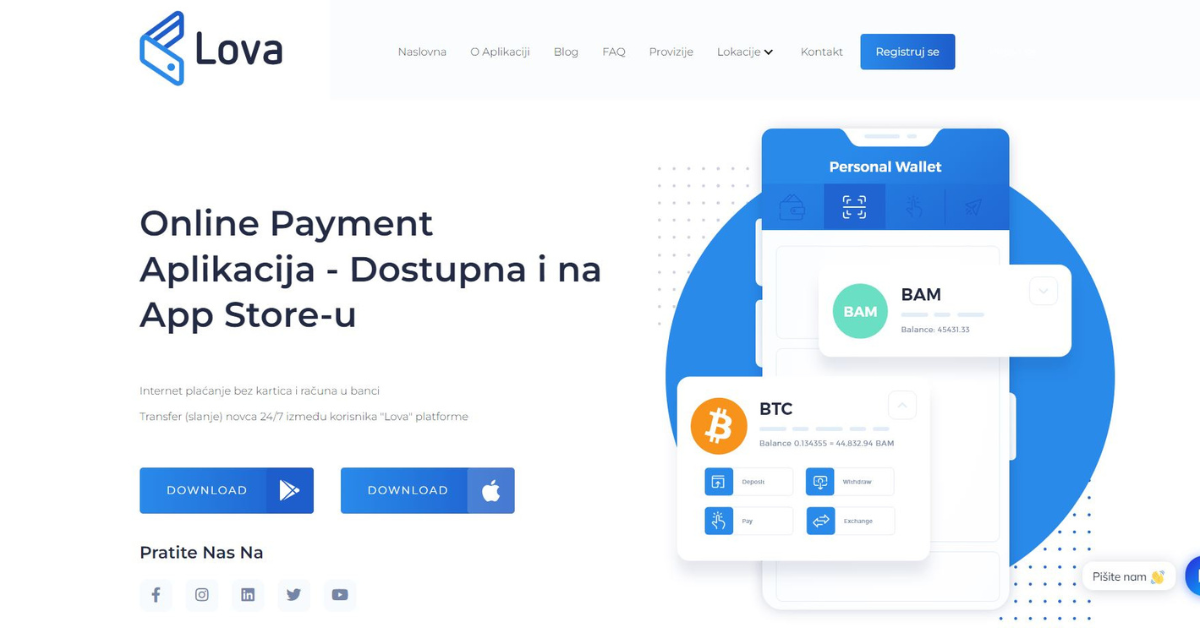
With the Lova app you have access to all the services mentioned above, and more. The app also allows you to make payments by phone and send money to other users of this service. It is available for download on Google Play and the App Store, so both Android and iPhone users can use it. Regarding downloads, here you have a download link for the Google Play Store, and here for the App Store. Of course, you can also search for it and download it that way. On the Google Play Store, search for "Lova," and on the App Store, search for "Lova Pay." Regarding the App Store, the app is only available for use within Bosnia and Herzegovina, so to download it, you need to select the BiH region in your App Store settings. Lova is essentially a digital wallet on your phone, and the entire concept behind the app is to eventually replace cash or bank card payments. Paying with Lova involves scanning a QR code, which is available at approximately 150 locations across BiH, and you can find a list of all locations at this link. Additionally, you can integrate Lova payments into your online shop, allowing your online store customers to pay this way – by simply scanning, which is explained in detail at this link.It's important to note that with the Lova app, you have access to your KM and crypto wallets, just like on BCX, meaning you can send crypto to someone, receive it, or exchange it for KM or vice versa. Besides sending crypto, the app also allows you to send KM to other users. All you need to do is enter an email address, and the money will be in the other Lova account within minutes. No need to go to the bank, wait, or deal with the stress that would otherwise be present. Likewise, if you still need cash, you have the option to withdraw money from Lova at your nearest deposit location, and a list of all locations where you can make this withdrawal is available at this link. Additionally, at these locations, you also have the option to top up your KM Lova wallet.
About BCX
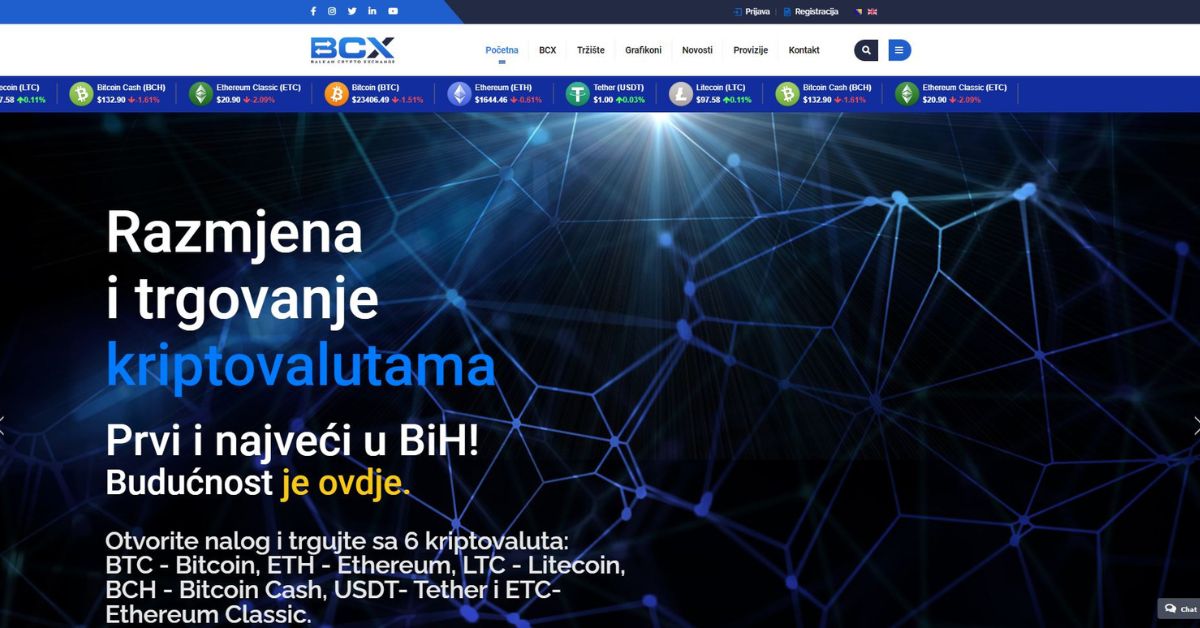
The BCX platform is a brand of Digital Asset Management and represents the first and only crypto platform in BiH. Since February, the platform has been registered with the Securities Commission as the first provider of virtual currency (cryptocurrency) related services.To use this platform, you must first complete the registration process, which is explained in detail on our YouTube channel, and a link to it is available here. After completing the registration process, you will have access to your KM and your crypto wallets. Six cryptocurrencies are available on the platform: BTC, LTC, ETH, USDT, BCH, and ETC. You can exchange these for KM, and also earn income from crypto savings. Additionally, you have access to a crypto exchange.
How to register on Lova, and how on BCX?
1. How to register – via the Lova app
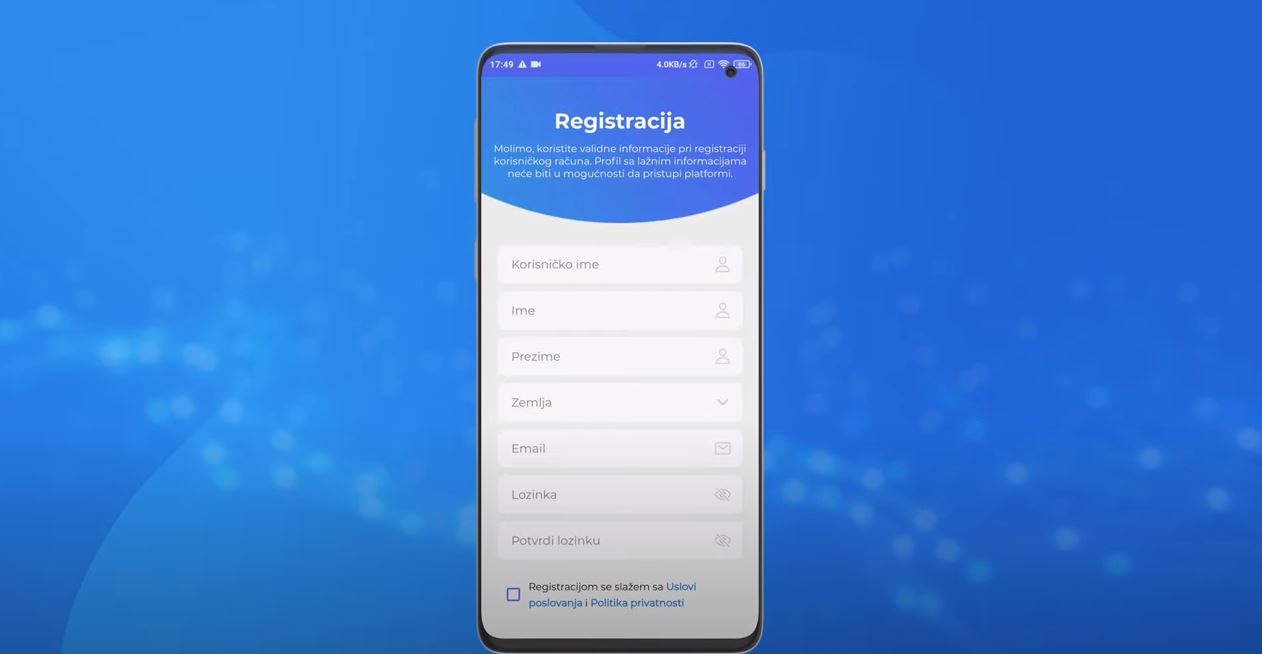
The registration process on Lova is possible even without prior registration on the BCX platform. If you register via the Lova website, you will automatically be redirected to the BCX website – the registration page. However, the Lova platform has an app that you can download from Google Play or the App Store, and then follow the steps for the verification process through Lova. A tutorial where everything is explained in detail can be found at this link. Also, if you later wish to log in to the BCX platform, you can do so with the same username and password you created on Lova. Of course, make sure your password isn't your pet's name, birth date, or anything similar that someone who knows you even a little could 'figure out'.
2. How to register – via BCX
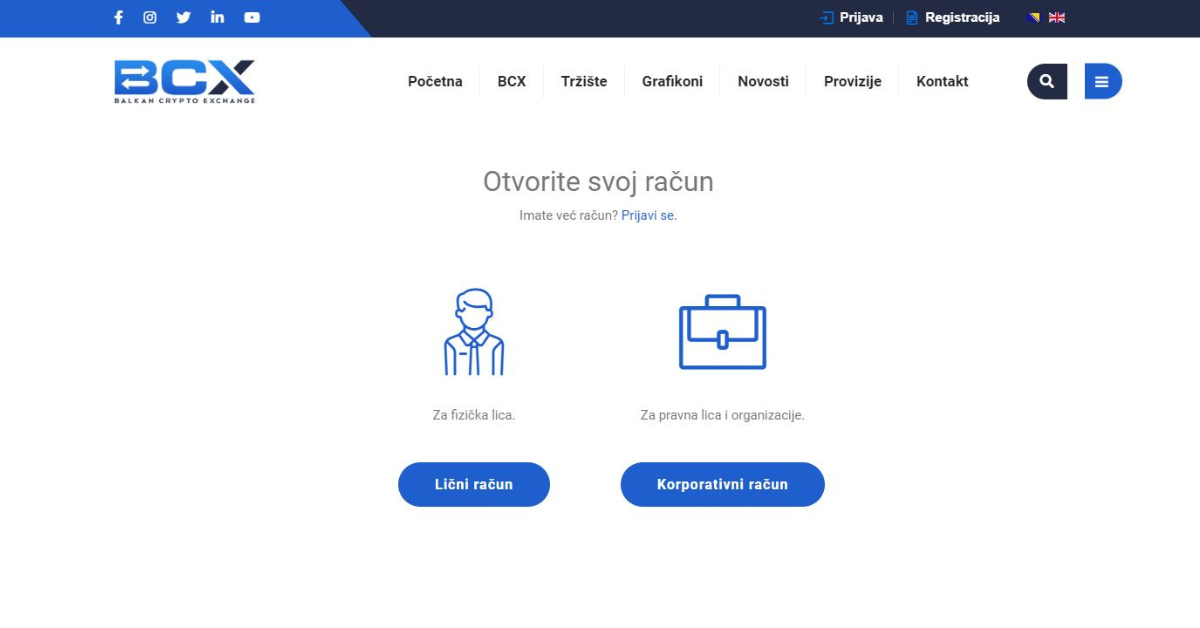
We have already mentioned the registration process on BCX, which is possible via this link. If you have already registered on BCX and completed verification, you do not need to do it again on the Lova app. All you need to do is enable the Lova service in the 'Wallets' option, and when you download the app, log in with the same username and password.

